
This guide covers the package contents, installation, device features, initial setup, and troubleshooting for the Cisco RV160W router.
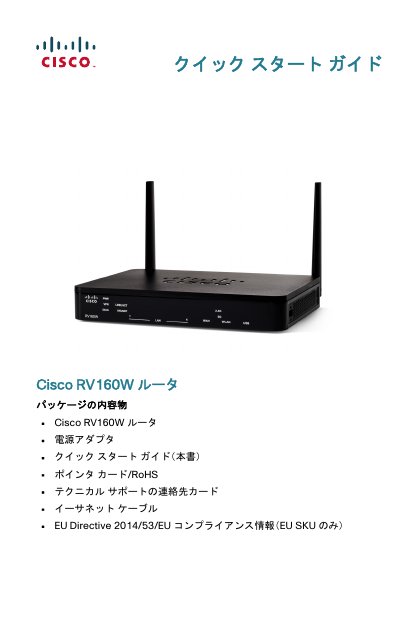
This document is the Quick Start Guide for the Cisco RV160W router. It details the contents of the package, including the router, power adapter, Ethernet cable, and support cards. The guide provides instructions on how to install the device on a desktop or wall mount, ensuring proper ventilation and stability. This manual is written in Japanese.
| Wireless Bands | Dual-band WLAN (2.4 GHz and 5 GHz) |
|---|---|
| Power Input | 12 VDC (2 A) |
| Operating Temperature | Do not operate above 40°C (104°F) |
Press and hold the RESET button for more than 10 seconds.
It lights up green when the speed is 1000 M.
The package includes the router, power adapter, quick start guide, pointer card, technical support card, Ethernet cable, and EU compliance info.