
This guide covers unboxing, installation (desktop and wall-mount), LED status interpretation, initial setup via web interface, and basic troubleshooting for…
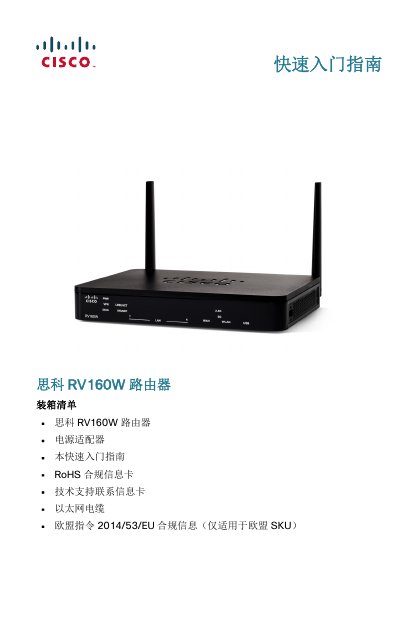
The Cisco RV160W is a dual-band wireless AC VPN router designed for small business environments. This Quick Start Guide assists users with unboxing, physical installation on desktops or walls, and interpreting front and rear panel LED indicators.
The document provides step-by-step instructions for connecting the device to a modem and computer, accessing the default web-based configuration utility at https://192.168.1.1, and performing initial setup using the Setup Wizard. It also includes procedures for changing administrator credentials and basic troubleshooting steps. This manual is written in Chinese.
| Wireless Standard | Dual-band WLAN (2.4GHz and 5GHz) |
|---|---|
| Default IP Address | 192.168.1.1 |
| Default Username | cisco |
| Default Password | cisco |
| Power Input | 12VDC 2A |
The default IP address is 192.168.1.1.
The default username is 'cisco' and the password is also 'cisco'.
Press and hold the RESET button for more than 10 seconds.