
This manual introduces the basic operations and settings of the electronic cash register TE-4000F/4500F, including registration programs, paper installation, date/time setting, etc.
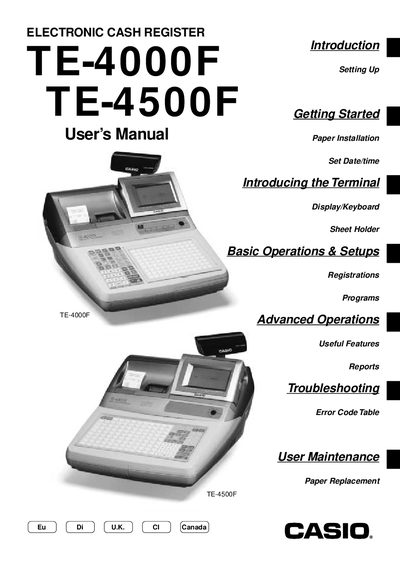
This manual covers getting started with the TE-4000F/4500F cash register, including unpacking, connecting the cash drawer, plugging into a wall outlet, and installing receipt paper. It also explains how to set the date and time, configure clerks, and program department, PLU, and discount settings.
Later sections describe advanced functions such as mixed tender handling, electronic benefits transfer, report printing, troubleshooting error codes, and routine maintenance like paper replacement. The document ends with a specifications overview and a quick reference to common tasks.
Insert the mode key marked “OW” into the mode switch, then select the menu options to set the date and time.
Follow the user maintenance steps to replace the receipt paper in the cash register.
Use the read/reset report function to print the daily sales read/reset report.
Connect the cash drawer to the register as shown in the setup instructions.