
This document is a user manual for the TE-4000F and TE-4500F electronic cash registers. The manual includes instructions for setup, getting started, paper installation, date/time setting, terminal display/keyboard, basic operations and setups, registrations, programs, advanced operations, useful features, reports, troubleshooting, error code table, user maintenance, and paper replacement.
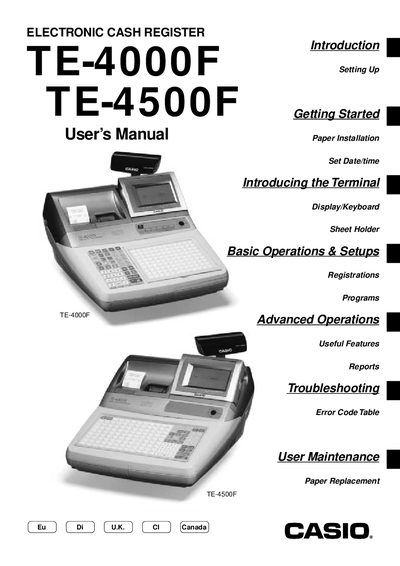
This manual covers everything needed to install and start using the TE-4000F/4500F electronic cash register, including hardware setup, date/time configuration, and receipt‑paper installation. It also explains the display, keyboard layout, and sheet‑holder functions specific to each model.
Further sections detail basic and advanced operations such as clerk management, PLU programming, discounts, mixed tender handling, report printing, and error troubleshooting. User maintenance topics like paper replacement and optional features are also included.
Insert the mode key marked “OW” into the mode switch, then use the menu to set the date and time.
Open the cash register, remove the old paper, and install new receipt‑journal paper as described in the manual.
Select the report menu and choose the daily sales read/reset report option to print it.
Follow the troubleshooting steps for a complete lock‑up, including power‑failure procedures.