
TE-2400 is an electronic cash register produced by Casio. The cash register is easy to operate and has powerful functions, which can meet the needs of various retail stores.
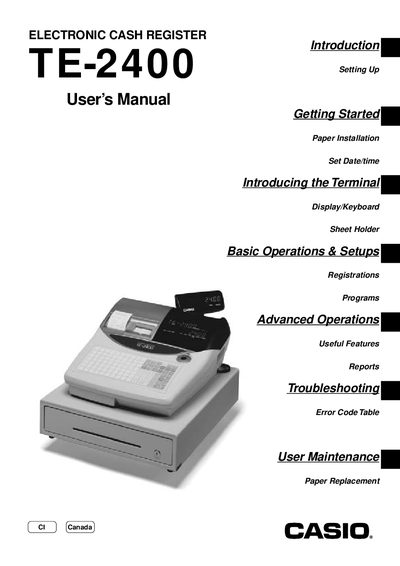
This manual covers everything needed to get the Casio TE-2400 cash register up and running, from unpacking and installing batteries to connecting power and loading receipt/journal paper. It walks you through basic functions such as date/time setup, clerk registration, and sales transactions.
Advanced features like discount programming, coupon handling, check tracking, and foreign‑currency transactions are explained, along with troubleshooting tips, error codes, and routine maintenance procedures such as paper replacement and battery checks.
Insert the mode key marked “PGM”, turn it to the “REG” position, then select the options to set the date and set the time.
Open the paper compartment and follow the instructions to replace the journal paper, then replace the receipt paper as needed.