
This is a user manual for the TE-2400 cash register
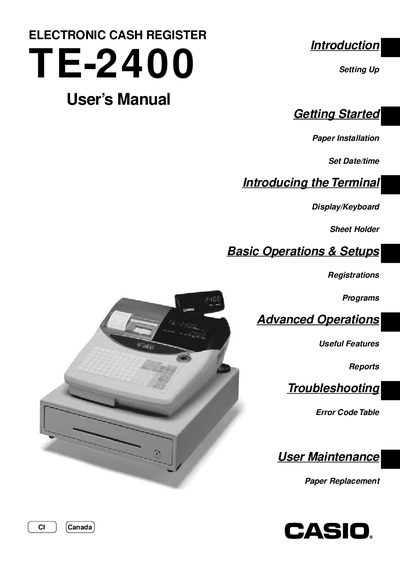
This manual covers the complete setup of the TE-2400 electronic cash register, including unpacking, installing memory backup batteries, loading receipt/journal paper, and connecting to power. It also explains how to configure the date, time, and tax tables, and how to use the mode key for various functions.
Detailed sections guide users through basic operations such as sales entry, clerk assignment, PLU programming, discounts, and cash handling, as well as advanced features like stock checks, coupon processing, foreign currency transactions, and troubleshooting error codes. Maintenance procedures for paper replacement and routine checks are also included.
Remove the cash register from its box, then install the receipt/journal paper as instructed.
Insert the mode key to the REG position, then use the menu to set the date and time.
Plug the cash register into a wall outlet and turn the mode key to the appropriate position.