
This is a product user manual, which mainly introduces how to install, use and maintain MP360/370 printers and scanners
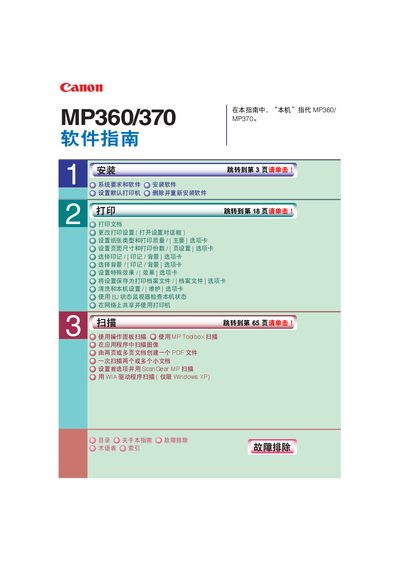
This manual covers the system requirements and software installation steps for the Canon MP360/370 printers, including driver and utility setup, USB connection guidelines, and required Windows versions. It also explains how to configure printing and scanning options, use the MP Toolbox, and share the printer on a network.
Additional sections provide troubleshooting tips for common issues such as storage‑card errors, driver problems, and USB connectivity, as well as maintenance procedures and guidance on reinstalling the software. This manual is written in Chinese.
| Supported Operating Systems | Windows 98, Me, 2000 (SP4), XP (SP1) |
|---|---|
| USB Interface | USB 1.1 and 2.0 |
| Minimum RAM | 128 MB |
| Hard Disk Space Required | 65 MB minimum (recommended 150 MB) |
| CPU Requirement | Pentium/Celeron 300 MHz or faster |
The software supports Windows 98, Windows Me, Windows 2000 with Service Pack 4, and Windows XP with Service Pack 1.
Do not use a USB cable longer than 5 meters (16 3/8 inches).
Installation must be performed with Administrator rights.