
This is the user manual of Canon MP360, which contains the product's usage methods, including installation, printing, copying and scanning
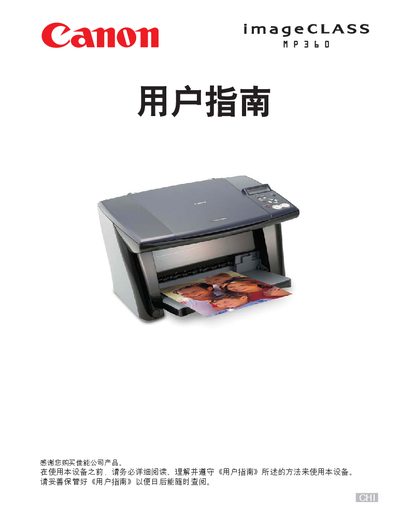
This manual guides users through the initial setup of the MP360 copier, including installing the Setup CD-ROM, loading paper, and configuring basic settings. It also explains how to use the copier’s functions such as copying, scaling, duplexing, and creating collages.
Additional sections cover scanning procedures, software tools, photo application guidance, key symbols, keypad functions, and detailed maintenance tasks like ink‑cartridge replacement, nozzle cleaning, and troubleshooting common issues. This manual is written in Chinese.
Insert the Setup CD‑ROM, click "View User Manual" on the screen, and select the desired PDF or HTML manual.
Refer to the section on page 44 titled “在一张纸上复印两张纸的内容”.
Select the option “重置墨水计数器” as described on page 70.
Clean the glass plate as instructed in the maintenance section (see page 79).