
EF lens user manual, introduces the use of EF lens, including installation and removal of lens, setting focus mode, depth of field scale, infrared mark, lens hood, etc.
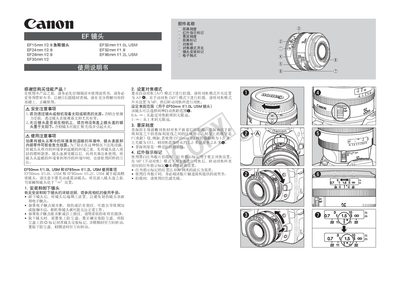
This manual provides safety precautions, handling instructions, and detailed usage guidelines for Canon EF lenses, focusing on the EF24mm f/2.8 model. It covers lens installation, focus mode settings, depth‑of‑field scale, infrared indicator usage, and accessories such as lens hoods and filters.
The document also includes a specifications table for several EF lenses, listing angle of view, aperture, filter size, weight, and other key dimensions, helping users understand the optical and physical characteristics of each lens. This manual is written in Chinese.
Align the hood's installation mark with the red dot on the front of the lens and rotate until the marks line up.
Wipe the contacts gently with a soft cloth.
No, looking through the lens at the sun can damage eyesight and may cause fire hazards.
Place the lens in a sealed plastic bag to prevent condensation before moving it between temperature extremes.