
Key facts
Start here
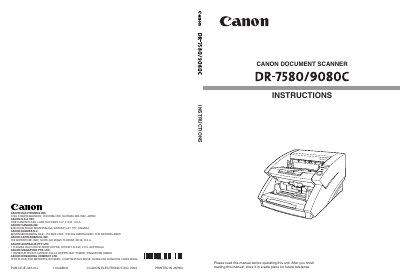
Canon DR-7580/9080C Document Scanner User Manual
This manual introduces the Canon DR-7580/9080C document scanner, covering safety precautions, installation, power supply, and required software drivers. It explains how to connect the scanner via SCSI or USB, configure the SCSI ID, and install the ISIS/TWAIN driver and CapturePerfect software.
Further sections describe document feeding methods, scanning procedures, special functions such as patch code scanning, and detailed troubleshooting steps. Daily cleaning, roller replacement, and specifications are also included to help keep the scanner operating reliably.
All Canon DR-9080C documents by type
Day-to-day operation, settings and troubleshooting. Start here if the product is already set up.
Questions answered in these manuals
What can happen if a warning is ignored?
Ignoring a warning could result in death or serious injury to the user or coworkers.
How is the scanner software installed?
Install the ISIS/TWAIN driver and then the CapturePerfect application as outlined in Chapter 3.