
Key facts
- Brand
- AXIS
- Model
- 216FD
- Industry
- Electronics
- Documents
- 5
- Languages
- EN · ZH
- Last added
- 2012-06-01
Start here
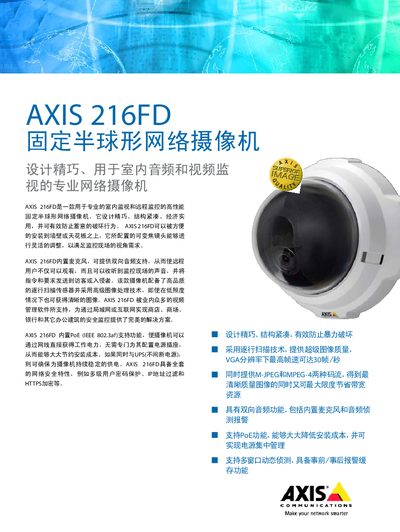
Axis 216FD Fixed Dome Network Camera Manual
The Axis 216FD is a high‑performance fixed dome network camera designed for indoor surveillance with a varifocal lens and low‑light capability. It offers PoE (IEEE 802.3af) power, dual‑direction audio, and supports both MJPEG and MPEG‑4 video streams.
The document covers hardware specifications, mounting options, network configuration, event management, and compliance information, and includes a CD with Axis Camera Management tools for setup and integration. This manual is written in Chinese.
AXIS 216FD specifications
| Dimensions | 94 x 144 x 132 mm |
|---|---|
| Weight (tamper‑resistant models) | 425 g |
| Weight (vandal‑resistant models) | 580 g |
Source: Axis 216FD/216FD-V/216MFD/216MFD-V Fixed Dome Network Camera Installation Guide
All AXIS 216FD documents by type
Mounting, wiring and first power-up. Read it before the hardware goes in.
Day-to-day operation, settings and troubleshooting. Start here if the product is already set up.
Questions answered in these manuals
What default IP address is used if no DHCP server is present?
The camera will use 192.168.0.90 as the default IP address.
From: Axis 216FD/216FD-V/216MFD/216MFD-V Fixed Dome Network Camera Installation Guide
How can I assign a static IP address to the camera?
Use the AXIS IP Utility or AXIS Camera Management to manually assign a static IP address.
From: Axis 216FD/216FD-V/216MFD/216MFD-V Fixed Dome Network Camera Installation Guide
What items are included in the Axis 216FD pendant kit?
The kit includes a cast aluminum pendant adapter, a pendant adapter gasket, a 1.5‑inch to 22‑mm adapter (if supplied), two M4 × 16 Pozidriv screws, and one M4 × 20 Pozidriv screw.
What is the total weight of the camera plus the ceiling mount?
The combined weight is 0.82 kg (1.8 lb).
From: Axis 216FD and P3301 Network Camera Ceiling Mount Installation Guide
What ceiling thickness can the mount support?
The mount can be installed in ceilings 9 mm to 60 mm thick (0.35‑2.4 in).
From: Axis 216FD and P3301 Network Camera Ceiling Mount Installation Guide
Does the Axis 216FD support Power over Ethernet?
Yes, the camera supports PoE according to IEEE 802.3af.