
This document is the user manual for KH2508/KH2516 localized by ATEN Japan Corporation, providing instructions and precautions for using the product.
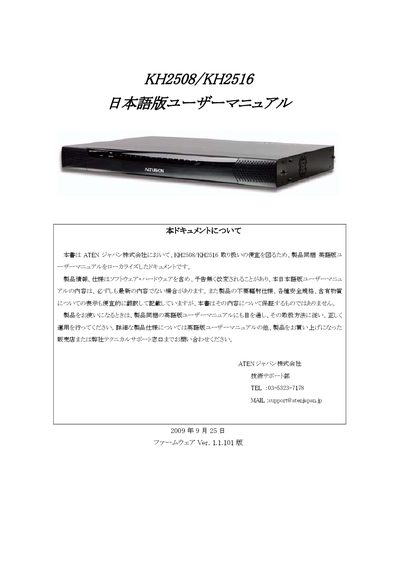
This manual, prepared by ATEN Japan, offers safety guidelines, warranty terms, and contact details for technical support. It explains the intended use of the KH2508/KH2516 KVM switches, notes limitations for high‑reliability applications, and outlines the warranty exclusions.
The document then details the installation process, including rack‑mounting, power connections, and jumper settings, followed by basic operation instructions such as hot‑plugging, OSD navigation, port selection, and cascade connections. Additional sections cover advanced OSD functions, hotkey reference, and troubleshooting steps. This manual is written in Japanese.
| Firmware version | 1.1.101 |
|---|---|
| Supported cascade models | KH2508, KH2516 |
Press the Ctrl key once, release it, then hold the T key while pressing the Alt key.
The KH2508/KH2516 can be cascaded with other KH2508 and KH2516 units.