
Key facts
- Brand
- ASUS
- Model
- T2-P
- Category
- Motherboard
- Industry
- Computers
- Documents
- 2
- Languages
- EN
- Last added
- 2012-05-04
Start here
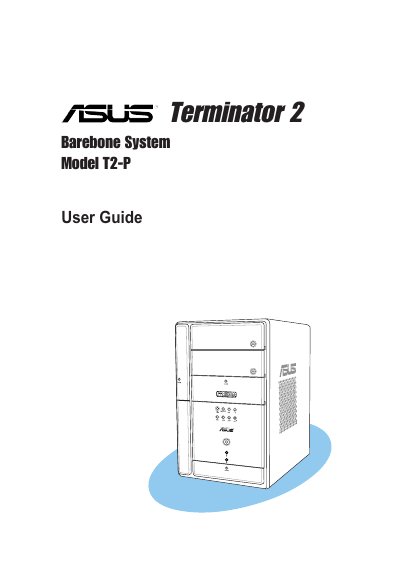
ASUS T2-P Terminator 2 Barebone System User Manual
This guide offers general information and step‑by‑step installation instructions for the ASUS Terminator 2 (model T2‑P) barebone system. It is intended for experienced users and integrators familiar with personal‑computer hardware.
The manual is organized into chapters covering system introduction, basic component installation, power‑up procedures, motherboard details, BIOS configuration, and an appendix with power‑supply specifications and wireless LAN channel tables. Safety warnings, FCC/ICES compliance statements, and battery handling notes are also included.
ASUS T2-P specifications
| Wireless LAN adapter channels (US) | Channels 1 to 11 |
|---|---|
| FCC compliance class | Class B digital device |
| Battery type warning | Replace only with same or equivalent lithium‑ion battery |
Source: ASUS Terminator 2 (T2-P) Barebone System User Manual
All ASUS T2-P documents by type
Day-to-day operation, settings and troubleshooting. Start here if the product is already set up.
Questions answered in these manuals
What safety step should be taken before moving the system?
Disconnect the power cable from the electrical outlet before relocating the system.
Which wireless channels are recommended to avoid overlap?
Channels 1, 6, and 11 are independent and do not overlap; they are recommended for use.
How do I safely relocate the system?
Disconnect the power cable from the outlet before moving the system and ensure all cables are unplugged before reconnecting.
Which wireless channels are recommended to avoid overlap?
Channels 1, 6 and 11 are independent and do not overlap; they are recommended for use.