
Key facts
Start here
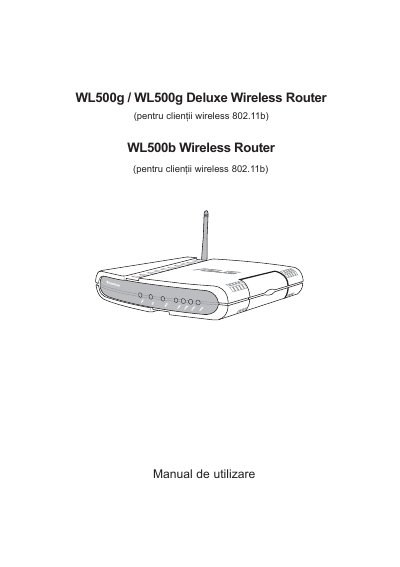
ASUS WL500g / WL500g Deluxe / WL500b Wireless Router User Manual
The ASUS WL500g, WL500g Deluxe, and WL500b wireless routers provide IEEE 802.11g/b connectivity for home and small‑office networks. The manual explains hardware setup, software configuration, and advanced features such as security and firmware upgrades.
Detailed instructions cover mounting options, LED indicators, IP configuration, DHCP, NAT, wireless settings, and troubleshooting steps, with multilingual notes for English, Chinese, Romanian, and other languages.
ASUS WL500g specifications
| Default IP address | 192.168.1.1 |
|---|---|
| Default subnet mask | 255.255.255.0 |
| Default SSID | default |
| Default encryption | disabled |
All ASUS WL500g documents by type
Day-to-day operation, settings and troubleshooting. Start here if the product is already set up.
Questions answered in these manuals
What wireless standards does the ASUS WL500g support?
It complies with IEEE 802.11g and IEEE 802.11b standards.
From: ASUS WL500g / WL500g Deluxe / WL500b Wireless Router User Manual
What is the maximum data rate for the WL500g router?
The router can reach up to 54 Mbps in the 2.4 GHz band using OFDM technology.
From: ASUS WL500g / WL500g Deluxe / WL500b Wireless Router User Manual