
Key facts
- Brand
- ASUS
- Model
- 4-Port Wireless Ethernet Router
- Category
- Other network devices
- Documents
- 2
- Languages
- EN
- Last added
- 2012-05-04
Start here
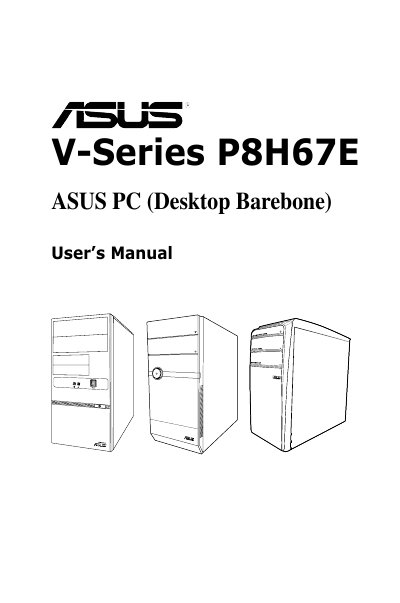
ASUS ASUS 4-Port Wireless Ethernet Router USER'S MANUAL
This guide is intended for experienced users and integrators who assemble the ASUS V-Series P8H67E barebone system. It covers system features, front and rear panel descriptions, internal components, and provides safety and regulatory information.
The manual is organized into chapters on system introduction, starting up, motherboard details, BIOS setup, tools and exit menus, and includes contact information for technical support. It also contains FCC and Canadian compliance statements, warranty conditions, and instructions for obtaining GPL source code.
ASUS 4-Port Wireless Ethernet Router specifications
| LAN ports | 4 |
|---|---|
| Power adapter | 15 VAC AC |
| Default IP address | 192.168.1.1 |
| Subnet mask | 255.255.255.0 |
All ASUS 4-Port Wireless Ethernet Router documents by type
Day-to-day operation, settings and troubleshooting. Start here if the product is already set up.
Questions answered in these manuals
What actions void the product warranty?
The warranty is void if the product is repaired, modified, or altered without ASUS written permission, or if the serial number is defaced or missing.
From: ASUS ASUS 4-Port Wireless Ethernet Router USER'S MANUAL
How do I reset the BIOS to its default settings?
Select the "Load Optimized Defaults" option in the Exit menu and confirm with Yes to load the default values.
From: ASUS ASUS 4-Port Wireless Ethernet Router USER'S MANUAL
How do I reset the router to its default settings?
Press the reset button for 4 seconds or longer to restore default settings.