
Key facts
Start here
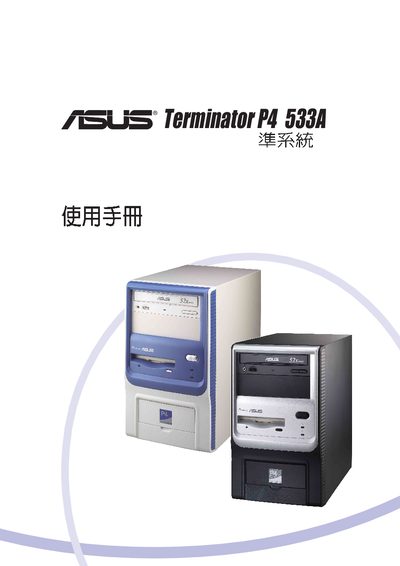
ASUS Terminator P4 533A User Manual
User Manual 100 pages · 7.8 MB · EN
This manual covers the BIOS setup for the ASUS Terminator P4 533A motherboard, including navigation of the BIOS menus, power options, and hardware monitoring features. It also lists configuration sections such as chip, I/O device, and PC settings.
The document includes detailed menu items like Power Menu, Hardware Monitor, Keyboard Features, and Boot Menu, helping users adjust system parameters, view hardware status, and configure primary/secondary master‑slave settings.
ASUS Terminator P4 533 specifications
| Supported PCI Modem Card | 56K PCI Modem Card |
|---|---|
| Supported CD‑ROM | Standard CD‑ROM drive |
| Floppy Drive Capacity | 1.44 MB |
All ASUS Terminator P4 533 documents by type
User Manual 2
Day-to-day operation, settings and troubleshooting. Start here if the product is already set up.
Questions answered in these manuals
Where can I access the BIOS configuration?
The BIOS setup is accessed through the Boot Menu section of the manual.
Which expansion cards are listed as supported?
The manual lists a 56K PCI Modem Card and a standard CD‑ROM drive as supported expansion cards.