
Key facts
Start here
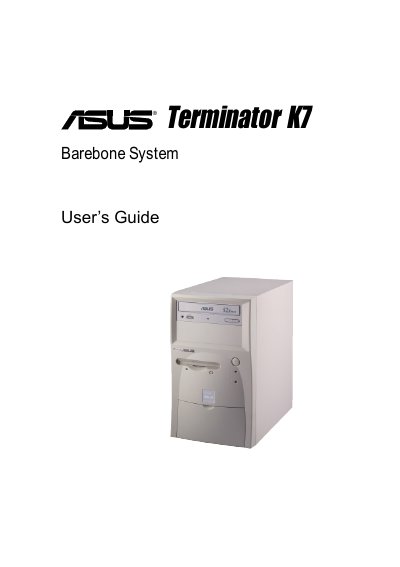
ASUS Terminator K7 Barebone System User Manual
This guide walks you through the components included in the Terminator K7 package, explains front‑ and rear‑panel features, and details the step‑by‑step assembly process for the chassis, motherboard, power supply, and optional drives.
It also covers BIOS configuration, including how to load default settings, save changes, and exit the BIOS utility, helping you prepare the system for operating‑system installation and first use.
All ASUS Terminator K7 documents by type
Day-to-day operation, settings and troubleshooting. Start here if the product is already set up.
Questions answered in these manuals
What components are included in the Terminator K7 system package?
The package contains a system chassis, motherboard, switching power supply, 1.44 MB floppy drive, optional CD‑ROM drive, optional 56 K PCI modem card, support CD with drivers and utilities, and an installation guide.
How can I load the BIOS default settings on the Terminator K7?
Select the Load Setup Defaults option in the BIOS menu and confirm with Yes; the default values will be loaded into the non‑volatile RAM.
When is the warranty for the Terminator K7 void?
The warranty is void if the product is repaired by non‑authorized personnel, if specifications are changed, or if parts are replaced without ASUS approval.