
Key facts
- Brand
- ASUS
- Model
- LGA1366
- Category
- Motherboard
- Industry
- Computers
- Documents
- 2
- Languages
- EN
- Last added
- 2012-05-04
Start here
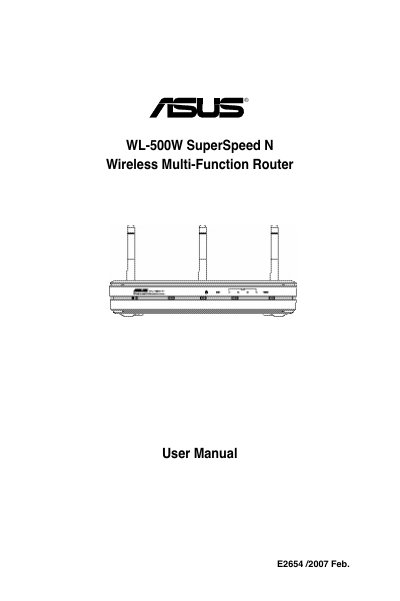
ASUS WL-500W SuperSpeed N Wireless Multi-Function Router LGA1366 socket motherboard for Intel Core TM i7 processor family User's Manual
This manual covers everything you need to get the ASUS WL-500W router up and running, from the package contents and hardware connections to status indicators and wall‑mount installation. It explains how to connect the router to an ADSL modem, use the Ethernet ports, and mount the unit on a wall or flat surface.
The guide also details the web‑based configuration interface, default IP settings, wireless setup (including SSID and encryption), DHCP, virtual servers, bandwidth management, and the ASUS EZSetup utility. Step‑by‑step instructions show how to access the router at http://192.168.1.1, log in with the default credentials, and customize advanced features such as FTP sharing and USB printer support.
ASUS LGA1366 specifications
| Default IP address | 192.168.1.1 |
|---|---|
| Subnet mask | 255.255.255.0 |
| Auto‑crossover Ethernet ports | Supports straight‑through or crossover cables |
All ASUS LGA1366 documents by type
Day-to-day operation, settings and troubleshooting. Start here if the product is already set up.
Questions answered in these manuals
How do I access the router’s web configuration interface?
Open a web browser and go to http://192.168.1.1, then log in with username “admin” and password “admin”.
What are the default IP settings for the router?
The router’s default IP address is 192.168.1.1, with a subnet mask of 255.255.255.0, gateway 192.168.1.1, and DNS 192.168.1.1.
How do I access the router’s configuration page?
Open a web browser and enter http://192.168.1.1, then log in with the default username and password (admin / admin).
How can I set up wireless encryption on the router?
Use the encryption setup page to select WEP or WPA, enter a passphrase, and the router will generate the required keys.