
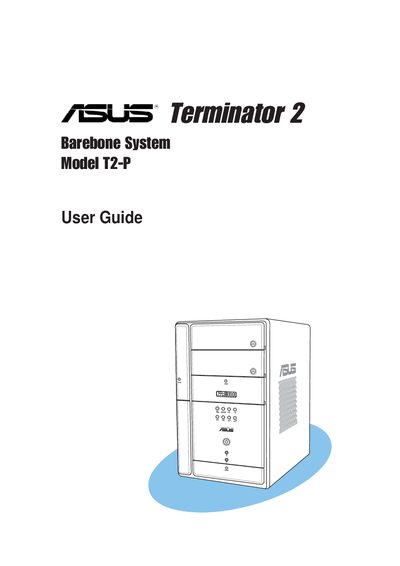
This guide covers the ASUS Terminator 2 barebone system, a compact PC platform intended for experienced users and system integrators. It includes detailed descriptions of the front and rear panels, internal components, and motherboard layout.
The manual walks you through basic installation steps, power‑up procedures, BIOS configuration, and wireless LAN channel selection, and it provides safety warnings, FCC compliance information, and an appendix with power‑supply specifications and wireless channel tables.
| Wireless LAN adapter channels (US) | Channels 1 to 11 |
|---|---|
| FCC compliance class | Class B digital device |
| Battery type warning | Replace only with same or equivalent lithium‑ion battery |
Disconnect the power cable from the outlet before moving the system and ensure all cables are unplugged before reconnecting.
Channels 1, 6 and 11 are independent and do not overlap; they are recommended for use.