
Key facts
- Brand
- ASUS
- Model
- P750
- Industry
- Electronics
- Documents
- 3
- Languages
- ZH · EN
- Last added
- 2026-10-21
Start here
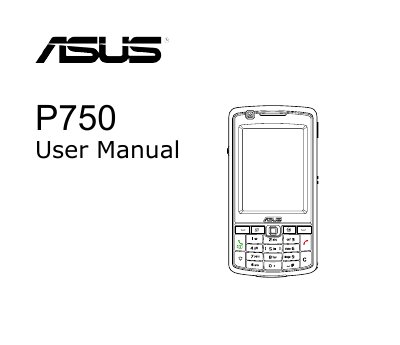
ASUS P750 User Manual
This manual guides users through getting started with the ASUS P750, including installing the SIM card and battery, charging the battery, and powering the device. It also covers the layout, key functions, and basic navigation of the device.
Subsequent chapters detail data entry methods, phone and wireless features, GPS, multimedia, business tools, special functions, and device component status, offering comprehensive instructions for everyday use and advanced capabilities.
ASUS P750 specifications
| Processor | Marvell PXA 270M 520 MHz |
|---|---|
| Operating System | Microsoft Windows Mobile 6.0 |
| Memory | 64MB SDRAM, 256MB NAND Flash ROM |
| Display | 2.6-inch TFT Touch Screen, 240x320 pixels |
| Camera | Built-in 3-megapixel digital camera with auto focus |
| Battery | 1300 mAh rechargeable lithium battery |
Source: ASUS P750 Smartphone User Manual
All ASUS P750 documents by type
Day-to-day operation, settings and troubleshooting. Start here if the product is already set up.
Questions answered in these manuals
What is the SAR value of this phone?
The specific absorption rate (SAR) standard value is 2.0W/Kg, with a maximum measured value of 0.413W/Kg.
What is the standby time of the ASUS P750?
The standby time is approximately 240 hours on 3G networks and 220 hours on 2G networks.
How do I install the SIM card and battery in the ASUS P750?
Refer to Chapter 1 of the manual and follow the steps under “Installing the SIM card and battery.”
From: ASUS P750 User Manual
How can I charge the battery of the ASUS P750?
The manual’s Chapter 1 includes a “Charging the battery” section that explains the charging procedure.
From: ASUS P750 User Manual