
Key facts
- Brand
- ASUS
- Model
- P527
- Category
- Cell Phones
- Industry
- Electronics
- Documents
- 3
- Languages
- EN
- Last added
- 2012-05-04
Start here
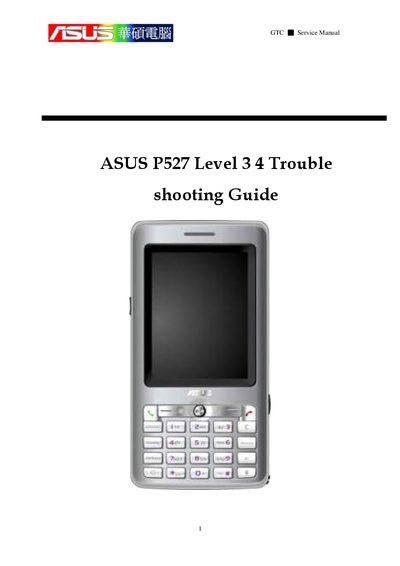
ASUS P527 Service Manual Troubleshooting Guide
This service manual covers the P527 hardware layout, system block diagram, equipment list, and detailed test procedures. Sections include feature introduction, placement overview, power unit details, audio, touch panel, camera, and micro‑SD tests, as well as timing sequences and current‑value checks.
The guide also contains GPS‑related sections such as GPS function block, GPS debug procedures, fault‑finding charts for active and passive paths, and software procedures. It explains how to use the SiRF command interface, start logging, and interpret signal strength and time‑to‑first‑fix data.
ASUS P527 specifications
| Dimensions | 113 x 58 x ?, 125 g |
|---|---|
| Battery | 1300 mAh Lithium‑Ion |
| Talk time | 4‑5 hour |
| Standby time | 150‑200 hours |
| CPU | TI OMAP 850 (200 MHz) |
| Memory | 128 MB Flash + 64 MB SDRAM |
| Camera | 2 Mega‑Pixel |
| Display | 240 × 320 TFT, 65K colors |
| Connectivity | WLAN 802.11 b/g, Bluetooth 2.0+EDR, FM, USB 1.1, GPRS/EDGE |
All ASUS P527 documents by type
Day-to-day operation, settings and troubleshooting. Start here if the product is already set up.
Disassembly, diagnostics and part numbers, for repair.
Questions answered in these manuals
How long does it take for the device to get a first GPS fix?
The time to first fix is about 39.1 seconds.
What tools are required to disassemble the P527?
You need an anti‑static mat with ground cord, an anti‑static wrist strap, a torque screw driver set to 1.2 kg‑cm, tweezers and a plastic blade.
From: ASUS P527 Service Manual
How is the LED test performed?
Remove the SIM card and the USB charging cable, then observe the LED sequence; the test reports PASS or FAIL.
From: ASUS P527 Service Manual