
Asus P527 service manual, mainly including product features, appearance, internal structure, measurement points, timing, fault troubleshooting, MMI test item description and other content
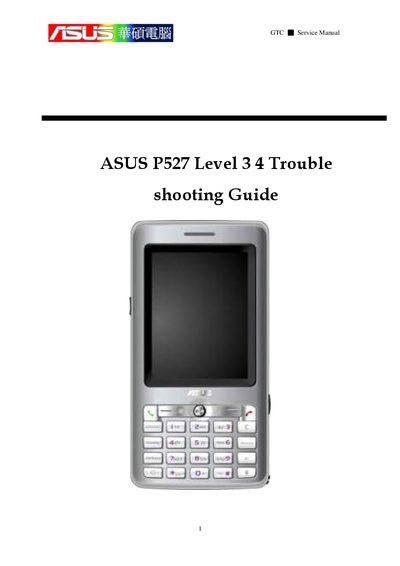
This service manual covers the P527 hardware layout, system block diagram, equipment list, and detailed test procedures. Sections include feature introduction, placement overview, power unit details, audio, touch panel, camera, and micro‑SD tests, as well as timing sequences and current‑value checks.
The guide also contains GPS‑related sections such as GPS function block, GPS debug procedures, fault‑finding charts for active and passive paths, and software procedures. It explains how to use the SiRF command interface, start logging, and interpret signal strength and time‑to‑first‑fix data.
| Dimensions | 113 x 58 x ?, 125 g |
|---|---|
| Battery | 1300 mAh Lithium‑Ion |
| Talk time | 4‑5 hour |
| Standby time | 150‑200 hours |
| CPU | TI OMAP 850 (200 MHz) |
| Memory | 128 MB Flash + 64 MB SDRAM |
| Camera | 2 Mega‑Pixel |
| Display | 240 × 320 TFT, 65K colors |
| Connectivity | WLAN 802.11 b/g, Bluetooth 2.0+EDR, FM, USB 1.1, GPRS/EDGE |
The time to first fix is about 39.1 seconds.