
Key facts
- Brand
- Yamaha
- Model
- MSR100
- Documents
- 3
- Languages
- EN
- Last added
- 2012-06-12
Start here
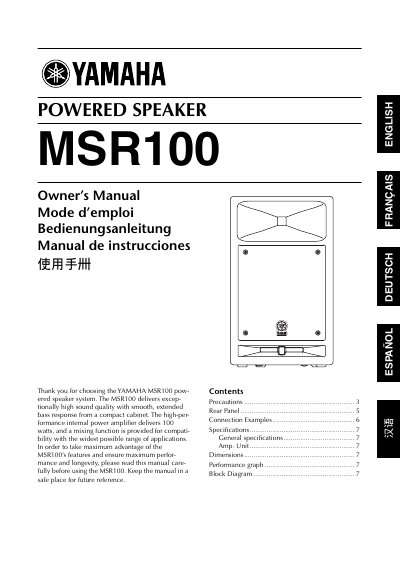
Yamaha MSR100 Powered Speaker Owner's Manual
The Yamaha MSR100 is a powered speaker system designed to deliver high sound quality with smooth, extended bass response from a compact cabinet. It features a high-performance internal power amplifier delivering 100 watts and includes a mixing function for compatibility with various applications. The manual covers safety instructions, installation guidelines, and operational precautions to ensure maximum performance and longevity.
Read onlineYamaha MSR100 specifications
| Type | 2‑way Bass Reflex Powered Speaker |
|---|---|
| Low‑frequency driver | 200 mm cone |
| High‑frequency driver | 25.4 mm compression driver |
| Frequency range | 55 Hz – 20 kHz (-10 dB) |
| Input sensitivity (MIC) | -50 dB |
| Input sensitivity (LINE) | +4 dB |
| Input impedance (all inputs) | 10 kΩ |
| Dimensions (W × H × D) | 75 mm × 455.5 mm × 255 mm |
| EQ control (LOW) | +3 dB at 60 Hz |
| EQ control (HIGH) | +6 dB at 10 kHz |
All Yamaha MSR100 documents by type
Day-to-day operation, settings and troubleshooting. Start here if the product is already set up.
Questions answered in these manuals
What is the maximum output power of the amplifier?
The internal power amplifier delivers 100 watts.
What are the required clearances around the speaker for ventilation?
You must leave 30 cm of space on the sides and back, and 39 cm on top.
What is the power output of the MSR100?
The internal power amplifier delivers 100 watts.
How do I set the INPUT1 connector for microphone signals?
Set the sensitivity switch to MIC.
How do I connect a microphone to the MSR100?
Use the INPUT1 XLR connector and set the sensitivity switch to MIC; the microphone‑level signal can then be connected directly.
What does the CLIP indicator mean?
The CLIP indicator lights red when the signal level is too high and causes amplifier clipping; reduce the LEVEL or MASTER LEVEL controls.