
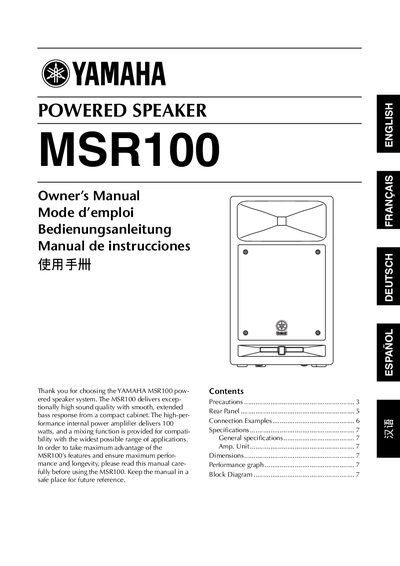
This manual explains the safety precautions required when handling the MSR100, including warnings about electric shock, fire hazards, and proper ventilation. It also covers installation steps, power‑cord handling, and recommended operating environments.
The rear‑panel description details the power switch, input connectors (XLR and phone jacks), level and EQ controls, and indicator LEDs. Connection examples illustrate how to link microphones, mixers, and other audio sources, while the specifications section lists the speaker’s acoustic and electrical parameters.
| Type | 2‑way Bass Reflex Powered Speaker |
|---|---|
| Low‑frequency driver | 200 mm cone |
| High‑frequency driver | 25.4 mm compression driver |
| Frequency range | 55 Hz – 20 kHz (-10 dB) |
| Input sensitivity (MIC) | -50 dB |
| Input sensitivity (LINE) | +4 dB |
| Input impedance (all inputs) | 10 kΩ |
| Dimensions (W × H × D) | 75 mm × 455.5 mm × 255 mm |
| EQ control (LOW) | +3 dB at 60 Hz |
| EQ control (HIGH) | +6 dB at 10 kHz |
Use the INPUT1 XLR connector and set the sensitivity switch to MIC; the microphone‑level signal can then be connected directly.
The CLIP indicator lights red when the signal level is too high and causes amplifier clipping; reduce the LEVEL or MASTER LEVEL controls.