
Key facts
- Brand
- Yamaha
- Model
- DVD-S1200
- Category
- Video Player
- Industry
- Electronics
- Documents
- 3
- Languages
- EN
- Last added
- 2026-10-18
Start here
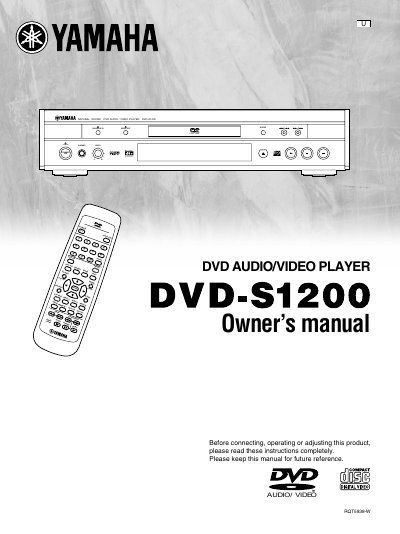
Yamaha DVD-S1200 DVD Player User Manual
This manual covers the Yamaha DVD-S1200, a DVD audio/video player featuring Natural S Sound technology. It includes detailed instructions on connecting the unit to various audio and video systems, including AV amplifiers and digital equipment. The guide explains basic and advanced playback functions such as skipping, slow-motion, frame-by-frame viewing, and program play.
Read onlineYamaha DVD-S1200 specifications
| Region Number | 2 |
|---|---|
| Supported Decoders | Dolby Digital and DTS |
| Remote Control Range | 7 m |
Source: Yamaha DVD-S1200 DVD Audio/Video Player Owner's Manual
All Yamaha DVD-S1200 documents by type
Day-to-day operation, settings and troubleshooting. Start here if the product is already set up.
Questions answered in these manuals
What safety precautions should be taken regarding the laser?
Do not open covers and do not repair yourself, as the product utilizes a laser and opening it may result in hazardous radiation exposure.
What should you do if moisture forms inside the unit?
Turn on the power and wait about one hour for the moisture to evaporate.
What safety warning applies to opening the unit?
Do not open covers or repair the unit yourself as it utilizes a laser and may result in hazardous radiation exposure.
Where can I find the model and serial numbers?
The model number and serial number can be found on either the back or the bottom of the unit.
What discs can this player play?
This unit can play DVD-Video, Video CD, and DVD-Audio discs.
From: Yamaha DVD-S1200 DVD Audio/Video Player Owner's Manual
Which region number does this player support?
The factory preset region number for this unit is 2.
From: Yamaha DVD-S1200 DVD Audio/Video Player Owner's Manual