
This document is the instruction manual for the NATURAL SOUND DVD AUDIO/VIDEO PLAYER DVD-S1200 PROGRESSIVE ON VIDEO OFF GROUP LEVEL 0 10 PHONES STANDBY STANDBY /ON AUDIO/VIDEO 1 2 3 4 5 6 7 8 9 0 S10 CANCEL OPEN/CLOSE POWER MARKER TEXT PAGE GROUP ENTER VIDEO OFF PLAY MODE SKIP SLOW/SEARCH SUBTITLE DVD V739700 AUDIO ANGLE REPEAT A-B HP-V.S.S. SP-V.S.S. TOP MENU MENU ON SCREEN RETURN PLAY LIST DIRECT NAVI SET UP. It provides instructions on how to connect, operate, and adjust the product, as well as important notices and warnings.
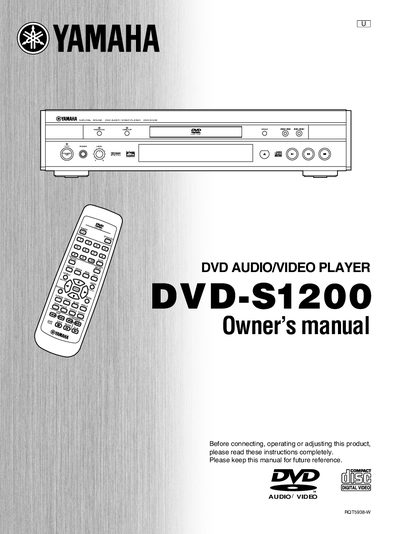
This document is the Owner's Manual for the Yamaha DVD-S1200 DVD Audio/Video Player. It provides instructions for getting started, including safety precautions, connecting the unit to various audio and video equipment, and using the remote control. The manual details how to play discs, use advanced features like Virtual Surround and progressive video, and manage playback sequences.
| Product Type | DVD Audio/Video Player |
|---|
Do not open covers or repair the unit yourself as it utilizes a laser and may result in hazardous radiation exposure.
The model number and serial number can be found on either the back or the bottom of the unit.