
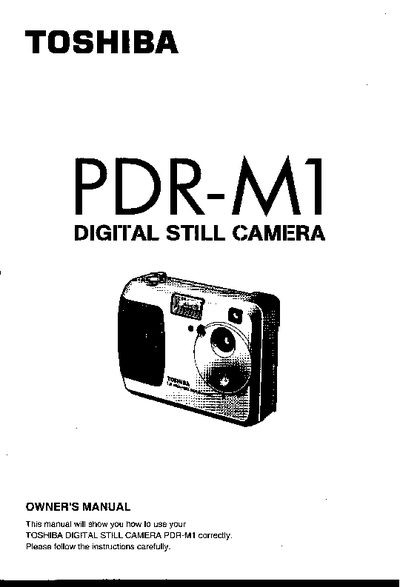
This manual explains how to set up and safely use the Toshiba PDR-M1 digital still camera. It includes safety cautions, FCC/ICES compliance notes, and handling instructions for the camera’s electronic components.
The guide covers the camera’s features, accessories, battery and AC‑adapter installation, SmartMedia usage, shooting modes, playback functions, and troubleshooting steps. Detailed specifications and dimensions are listed at the end of the document.
| Image sensor | 4/2-inch square‑pixel CCD (1.5 million pixels) |
|---|---|
| Maximum image resolution | 1280 × 1024 pixels |
| Minimum image resolution | 640 × 480 pixels |
| Storage media | SmartMedia (3.3 V or 5 V) |
| LCD monitor size | 1.8‑inch |
| Weight | Approx. 230 g (8.6 oz) |
| Power supply | 4 AA‑size Ni‑Cd or alkaline batteries or PDR‑ACM1 AC adapter |
| Operating temperature | 0 °C to +40 °C (32 °F to 104 °F) |
The camera uses four AA‑size long‑life Ni‑Cd or alkaline batteries.
Yes, use the PDR‑ACM1 AC adapter sold separately; other adapters may damage the camera.
Only Toshiba’s 3.3‑volt SmartMedia cards are compatible with the PDR‑M1.