
This document is an instruction manual for the Toshiba PDR-M11 Digital Still Camera, providing information on how to use the camera safely and correctly.
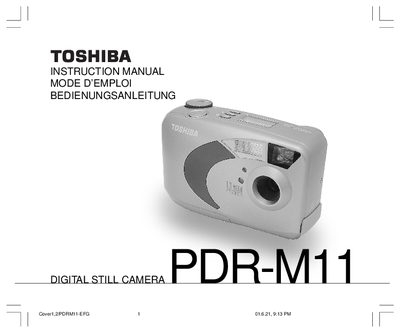
This manual provides step-by-step instructions for using the Toshiba PDR-M11 digital still camera. It covers basic photography, playback, image erasing, and other applications. Safety precautions and technical specifications are also included. The guide is written in English and includes diagrams and tables for reference.
| Image Size | 1280 x 960 (Full) / 640 x 480 (Half) |
|---|---|
| Image Quality | FINE, NORMAL, BASIC |
| Memory Card | SmartMedia™ (3.3V) 2/4/8/16/32/64/128 MB |
| Image Format | JPEG, TIFF, Exif Ver.2.1, DCF Ver.1.0 |
| Battery | Not specified in text |
The maximum image size is 1280 x 960 pixels (Full) or 640 x 480 pixels (Half).
The camera is compatible with SmartMedia™ cards in sizes from 2MB to 128MB.
The available image quality settings are FINE, NORMAL, and BASIC.
This manual explains 1 error code. Open a code for its meaning, causes and what to do: