
The Sony Walkman NW‑ZX300/ZX300A help guide explains setup, features, Bluetooth, microSD use, battery care and troubleshooting.
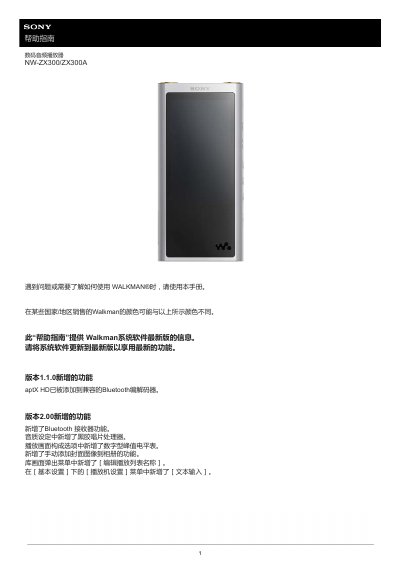
This guide covers everything you need to get started with the Sony Walkman NW‑ZX300/ZX300A, including initial setup, language and date settings, and how to register your device. It also details the various functions such as Bluetooth connectivity, USB‑DAC playback, audio quality settings, and microSD card handling.
Later sections provide information on battery charging, system updates, supported audio formats, and troubleshooting common issues like duplicate tracks, unsupported file formats, and device malfunctions. This manual is written in Chinese.
When you connect the Walkman to a running computer via USB, the charging indicator light turns on, and the battery status icon changes when charging is complete.
Make sure the file format is supported; the screen will show “Cannot play: file format not supported.” Transfer supported files to the MUSIC folder and check file names or locations.
Use Windows Explorer to open the WALKMAN\MUSIC folder, locate the duplicate tracks, and delete them. You can also disable automatic sync in music management apps to prevent repeats.