
Key facts
Start here
SHARP XG-NV6XU - user guide projector user manual
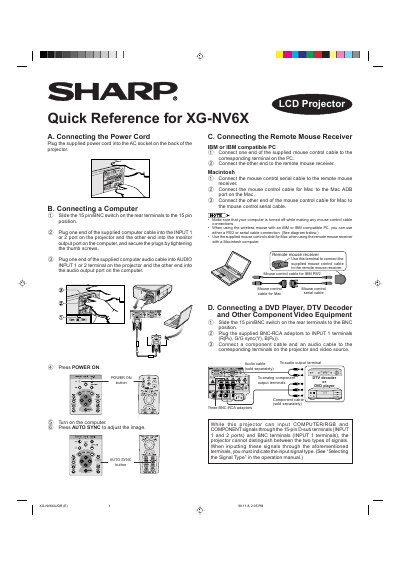
This document serves as a quick reference for the Sharp XG-NV6X LCD projector. It provides step-by-step instructions for connecting the power cord, linking a computer (IBM or Macintosh compatible), and attaching remote mouse receivers. It also details how to connect various video sources such as DVD players, DTV decoders, VCRs, and Laser Disc players using appropriate cables and adapters.
Read onlineSharp XG-NV6XU specifications
| UXGA Compatibility | 1,600 x 1,200 |
|---|---|
| Vertical Refresh Rate | up to 130 Hz |
| Power Zoom Function | 130% |
| Screen Size Range | 40- to 300-inch |
All Sharp XG-NV6XU documents by type
Day-to-day operation, settings and troubleshooting. Start here if the product is already set up.
The shortest path to a working setup, usually only a few pages.
Questions answered in these manuals
Can the projector display wide-screen images?
Yes, it allows projection of DTV images and 16:9 wide-screen images when connected to a DTV decoder.
Does the projector support wireless presentations?
Yes, the IrCOM function allows for wireless transmission of digital images via infrared communication from a PC or digital camera.
How do I adjust the image size and shape?
Press the LENS button to change the screen mode until a normal screen appears.
What happens if lines on the screen look jagged after adjustment?
This is expected when adjusting the KEYSTONE setting, but you should not touch the lens while focusing or zooming.
What is the maximum screen size this projector can display?
The projector can display a screen size ranging from 40 to 300 inches.
What is the native resolution of this projector?
The projector has an XGA resolution of 1,024 x 768.