
Safety information, user guide and technical specifications of PN-455 LCD Monitor
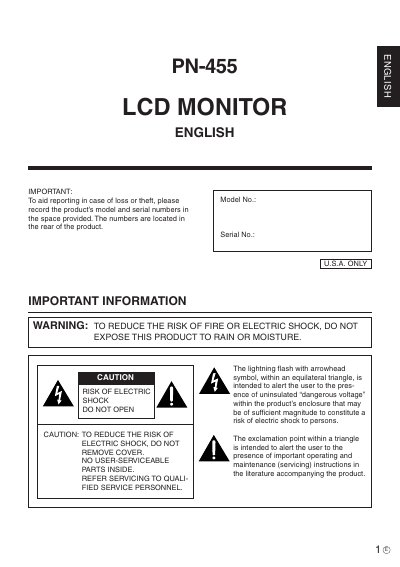
The document serves as a comprehensive operation guide for the Sharp PN-455 LCD monitor. It begins with critical safety warnings regarding electricity, moisture, and proper installation to prevent fire or electric shock hazards.
Subsequent sections cover specific usage tips, such as avoiding prolonged static images to prevent afterimages and ensuring adequate ventilation. The manual also details power cord handling, cleaning procedures, and troubleshooting steps for common issues like screen flashing caused by fluorescent tubes.
You should change the fluorescent tubes with new exclusive ones.
Turn off the main power switch on the top of the monitor and turn it on again to confirm operation.
An afterimage may remain on the screen.