
Key facts
Start here
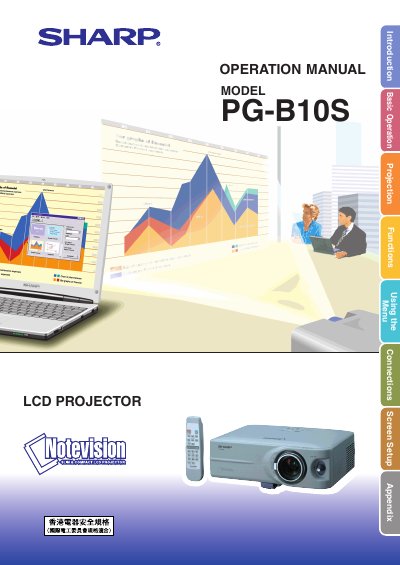
SHARP PG-B10S LCD Projector Operation Manual
This document is the Operation Manual for the SHARP PG-B10S LCD Projector. It provides instructions for the safe and correct use of the device, including important safety warnings regarding the high brightness light source and electrical hazards. Users are advised to read the manual carefully before operating the projector.
Read onlineSharp PG-B10S specifications
| Panel type | LCD panel |
|---|---|
| Panel size | 0.55" (14.0 mm) (8.5 H × 11.2 W mm) |
| Resolution (dots) | 480,000 dots (800 H × 600 V) |
| Zoom lens | 1–1.25×, F1.6–1.9 (f = 16.8–20.9 mm) |
| Lamp power | 130 W AC lamp |
| Connector (video) | 15‑pin mini D‑sub connector |
All Sharp PG-B10S documents by type
Day-to-day operation, settings and troubleshooting. Start here if the product is already set up.
Questions answered in these manuals
What languages are available on the supplied CD-ROM?
The included CD-ROM contains operation instructions in English, German, French, Swedish, Spanish, Italian, Dutch, Portuguese, Chinese (Traditional and Simplified), and Korean.
What safety warning is associated with the projector's light source?
The manual warns that the high brightness light source should not be stared into or viewed directly by anyone.
How long does the cooling fan run after the projector is put into standby?
The cooling fan continues to run for about 90 seconds after the projector enters standby mode.
What type of lamp should be used when replacing the lamp in the PG‑B10S?
Only a Sharp lamp unit type BQC‑PGB10S//1 may be used as a replacement.