
This is an operation manual for the PG-B10S projector
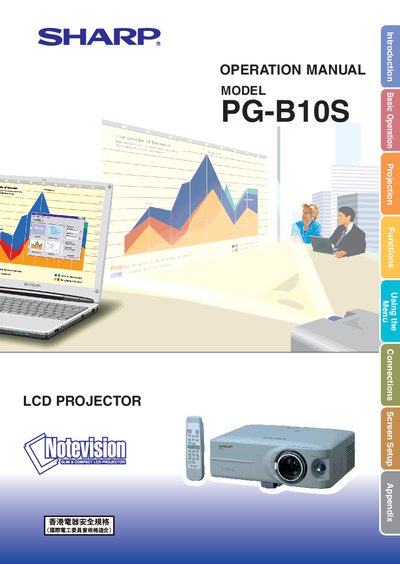
This manual covers all aspects of using the Sharp PG‑B10S LCD projector, from unpacking and connecting the device to adjusting picture settings and operating the menu system. It includes safety warnings, wiring instructions for the UK plug, and detailed guidance on lamp replacement and cooling fan behavior.
Additional sections describe routine maintenance, troubleshooting steps, and full technical specifications such as panel resolution, lamp power and connector types. The document also provides a quick‑start guide, accessory list, and warranty information.
| Panel type | LCD panel |
|---|---|
| Panel size | 0.55" (14.0 mm) (8.5 H × 11.2 W mm) |
| Resolution (dots) | 480,000 dots (800 H × 600 V) |
| Zoom lens | 1–1.25×, F1.6–1.9 (f = 16.8–20.9 mm) |
| Lamp power | 130 W AC lamp |
| Connector (video) | 15‑pin mini D‑sub connector |
The cooling fan continues to run for about 90 seconds after the projector enters standby mode.
Only a Sharp lamp unit type BQC‑PGB10S//1 may be used as a replacement.
A 5 A BS 1362 fuse approved by BSI or ASTA must be used to replace the fuse in the non‑rewireable plug.