
Key facts
- Brand
- Sharp
- Model
- LC-40D68UT
- Category
- Television
- Industry
- Appliances
- Documents
- 2
- Languages
- EN
- Last added
- 2012-08-02
Start here
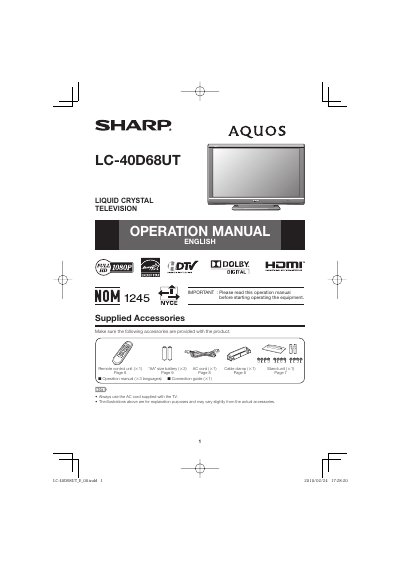
Sharp LC-40D68UT Liquid Crystal Television Operation Manual
This document serves as the English operation manual for the Sharp LC-40D68UT Liquid Crystal Television. It details the supplied accessories, such as the remote control unit and AC cord, and emphasizes the importance of reading the instructions before operating the equipment to ensure safety.
The manual includes critical safety information regarding electricity usage, proper installation, and maintenance. It advises users on how to handle power cords, avoid moisture exposure, and when to refer servicing to qualified personnel to prevent electric shock or fire hazards.
All Sharp LC-40D68UT documents by type
Day-to-day operation, settings and troubleshooting. Start here if the product is already set up.
Questions answered in these manuals
What is the model number of this television?
The model number for this Sharp Liquid Crystal Television is LC-40D68UT.
From: Sharp LC-40D68UT Liquid Crystal Television Operation Manual
What size batteries are required for the remote control?
The remote control unit requires "AA" size batteries.
From: Sharp LC-40D68UT Liquid Crystal Television Operation Manual
How do I attach the stand to the TV?
Insert the stand into the openings on the back of the TV, then insert and tighten the four screws on the rear of the TV.
What brackets are required to wall‑mount the LC-40D68UT?
Use the Sharp AN-37AG2 wall‑mount bracket together with the AN-37P30 attachment bracket; installation should be performed by qualified service personnel.