
This manual describes the operating methods of liquid crystal television LC-40D68UT.
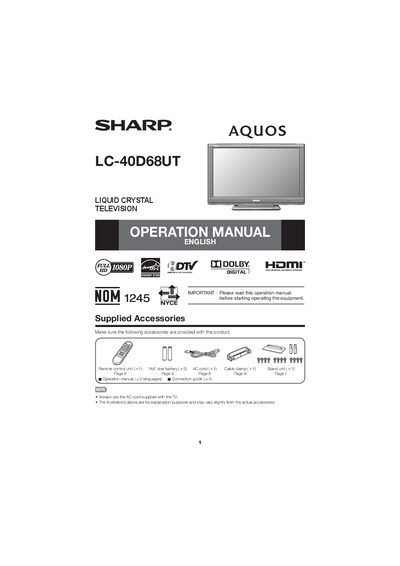
This manual covers important safety instructions, including warnings about electric shock, fire risk, and proper handling of the liquid crystal panel. It also details how to attach or detach the stand, wall‑mount the TV using the recommended Sharp brackets, and care for the display and cabinet.
Operational guidance includes connecting the AC cord, attaching the antenna, using the remote control, and troubleshooting the power indicator. The document also lists supplied accessories and provides FCC and ENERGY STAR compliance information.
| Pixel Count | 2,073,600 pixels |
|---|---|
| ENERGY STAR Qualification | Qualified when TV location set to Home |
Insert the stand into the openings on the back of the TV, then insert and tighten the four screws on the rear of the TV.
Use the Sharp AN-37AG2 wall‑mount bracket together with the AN-37P30 attachment bracket; installation should be performed by qualified service personnel.
Press the POWER button; if it still does not light, ensure the TV is plugged in, the remote sensor is not blocked by sunlight, and the AC cord is disconnected before handling.
Turn off the TV and unplug it, then gently wipe the panel with a soft, lint‑free cloth; avoid using chemical or wet‑dry cloths.