
This document describes the operation and use of a scientific calculator, including notes and operation examples. The calculator has multiple display modes and functions, making it easy to use and operate.
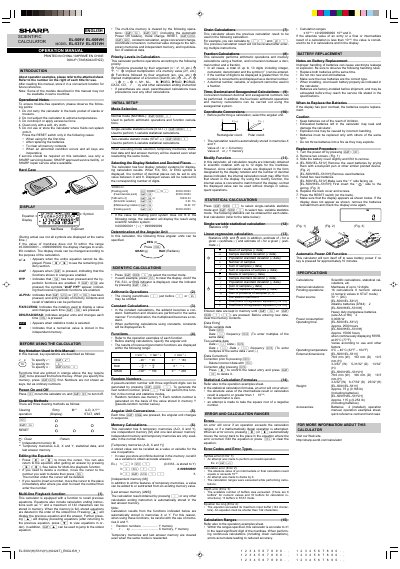
This document is the operation manual for the Sharp Scientific EL-509V/EL-509H series, specifically detailing the model EL-531V. It provides instructions on using the device's various calculation modes, including normal arithmetic, single-variable and two-variable statistics, and coordinate conversions.
| Equation Memory Capacity | 142 characters |
|---|---|
| Fraction Entry Limit | 10 digits |
Press the RESET switch when using the calculator for the first time, after replacing batteries, to clear all memory contents, or when an abnormal condition occurs.
The calculator has 6 temporary memories designated as A-D, X, and Y.
The calculator will automatically display the result using scientific notation.