
This document is the owner's instruction book for the SAMSUNG Digital Video Camcorder, which describes the features and characteristics of the camcorder.
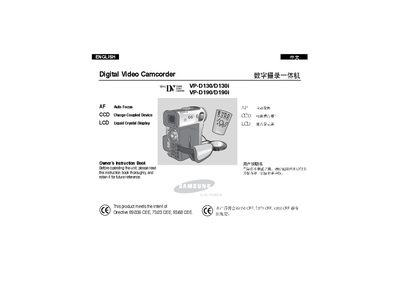
This manual covers safety instructions, handling, and basic operation of the Samsung VP‑D130/D130i and VP‑D190/D190i digital camcorders. It explains how to use the LCD screen, remote control, battery pack, and SmartMedia Card, as well as how to record video and still images.
Advanced features such as auto/manual focus, digital zoom, electronic image stabilization, and IEEE‑1394/USB data transfer are described, along with maintenance procedures, battery care, and troubleshooting guidance.
| Maximum operating temperature | 60°C (140°F) |
|---|---|
| Supported memory card | SmartMedia Card |
Rotate the LCD screen carefully as illustrated; over‑rotation may damage the hinge.
Avoid exposing the camcorder to water; if it becomes wet it may be damaged and not repairable.
Fully charge the lithium‑ion battery pack before first use and keep the camcorder turned off when not in use to preserve battery life.