
Samsung VP-D190MS/D190MSi Digital Videography All-in-One User Manual

The document describes the features and characteristics of the Samsung VP-D190MS/D190MSi electronic products.
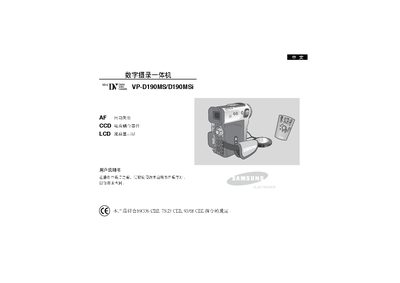

Samsung VP-D190MS/D190MSi Digital Videography All-in-One User Manual - cover page
Brand
Samsung
Category
Camcorders
Document type
User Manual
Language
Chinese
Pages
98
File format
PDF
File size
8.6 MB
Published
16 March, 2012
Updated
28 September, 2023
Model
VP-D190
MD5 checksum
3C636C32572887AC29D3482EA861AD6E

About this manual

The VP-D190MS/D190MSi is a digital videography all‑in‑one camcorder equipped with a CCD image sensor and an LCD display with BLC II backlight. The manual explains how to use the LCD screen, select image quality, and operate recording and playback functions.

Safety and maintenance sections cover proper handling of the LCD screen, battery charging procedures, protection against moisture and extreme temperatures, and regular cleaning of the video head to ensure clear recordings. This manual is written in Chinese.

What's inside

  • Safety Instructions
  • Operating Instructions
  • First Shooting
  • Memory Card Operations
  • Battery Maintenance
  • Connecting to External Devices
  • Display Settings
  • Playback Functions

Specifications

Display typeLCD
Image sensorCCD

Frequently asked questions

How should the LCD screen be handled to avoid damage?

Rotate the LCD screen carefully; over‑rotation can damage the unit.

What must be done before the first recording regarding the battery?

Ensure the battery pack is fully charged before starting any recording.

Download PDF (8.6 MB)

More Samsung Manuals


View all Samsung manuals →