
This document is a manual for repairing laser printers, including precautions, reference information, technical specifications, product summaries, disassembly and reassembly, adjustment and calibration, troubleshooting, exploded diagrams and parts lists, diagrams, and wiring diagrams. It provides information about three laser printers: ML-1510, ML-1710, and ML-1750.
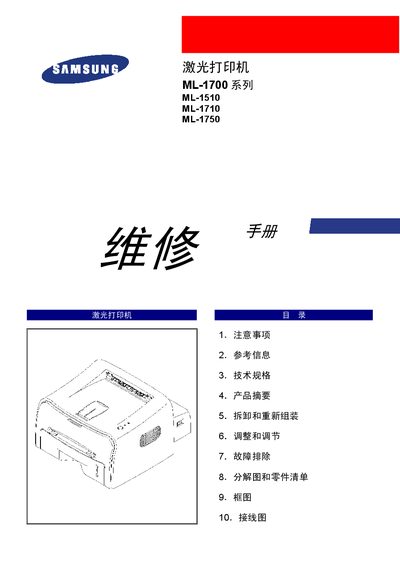
This service manual provides detailed instructions for repairing Samsung ML-1700 series laser printers (models ML-1510, ML-1710, ML-1750). It covers safety precautions, required tools, technical specifications, disassembly and re‑assembly procedures, adjustment steps, and wiring diagrams.
The document also includes a comprehensive troubleshooting guide, exploded view with parts list, and recommended operating conditions such as input voltage, power consumption, and environmental limits. This manual is written in Chinese.
| Printing technology | non‑impact electrophotographic |
|---|---|
| Print speed (ML-1510) | 14 PPM |
| Resolution (ML-1510) | 600 × 600 DPI |
| Light source | laser diode |
| Rated input voltage | 200‑240 VAC |
| Average print power consumption | ≤ 280 W |
Repairs must be performed by qualified personnel, the printer must be unplugged, avoid water or chemicals, and follow all listed safety warnings such as not modifying the machine and using proper voltage.
After powering on, press the test‑print button for about 1–3 seconds to start the self‑test.
The printer operates on a rated input voltage of 200‑240 VAC.