
Samsung ML-1750 laser printer user manual, introduces the features and usage of the printer
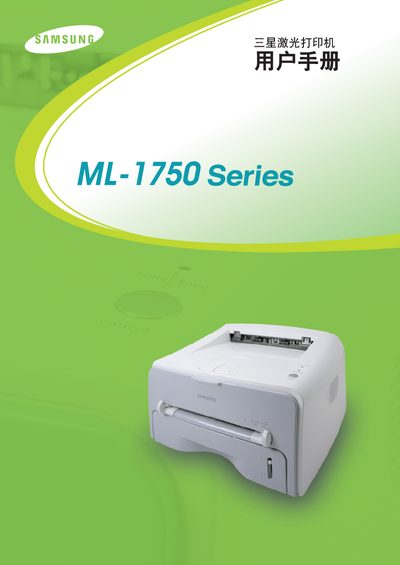
This manual provides step-by-step instructions for installing and operating the Samsung ML-1750 laser printer. It covers using various paper types, adjusting print settings, and troubleshooting common issues. Maintenance procedures are included, such as cleaning the printer and replacing parts. The manual also details compatibility with operating systems like Windows and Linux, and includes technical specifications such as print speed and power requirements. This manual is written in Chinese.
| Print Speed | 16 PPM (A4) / 17 PPM (Letter) |
|---|---|
| Resolution | 1200 x 600 dpi |
| Power Supply | AC 110~127 V / 220~240 V, 50/60 Hz |
| Memory | 8MB (ML-1750) |
| Connectivity | USB 1.1 / IEEE 1284 |
Supported operating systems include Windows 9x/Me, Windows NT/2000/XP, Linux, and DOS.
The print speed is 16 pages per minute for A4 and 17 pages per minute for Letter.
The power consumption is 330W during operation and 10W in standby mode.