
Key facts
- Brand
- Samsung
- Model
- I70
- Category
- Digital cameras
- Industry
- Electronics
- Documents
- 2
- Languages
- EN · ZH
- Last added
- 2012-03-31
Start here
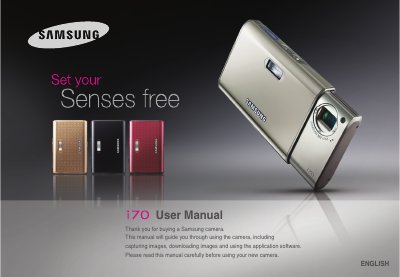
Samsung i70 Camera User Manual
This manual guides users through setting up the Samsung i70 camera, including driver installation, battery charging, and connecting to a PC via USB. It also covers basic operation such as taking pictures, using various shooting modes, and playback functions.
Safety warnings, battery specifications, memory‑card handling, and troubleshooting tips are included, along with contact information for service centers and disposal instructions.
Samsung I70 specifications
| Battery model | SLB-0837 |
|---|---|
| Battery type | Lithium Ion |
| Battery capacity | 860 mAh |
| Battery voltage | 3.7 V |
| Charging time (camera off) | ≈150 minutes |
| AC adapter model | SAC-45 |
| USB cable model | SUC-C2 |
Source: Samsung i70 Camera User Manual
All Samsung I70 documents by type
Day-to-day operation, settings and troubleshooting. Start here if the product is already set up.
Questions answered in these manuals
What safety precautions should I follow when using the flash?
Do not use the flash close to people or animals, and avoid pointing it at eyes to prevent eyesight damage.
How do I connect the camera to a computer?
Insert the supplied US8 USB cable into the camera’s USB port and the PC, then install the driver from the CD‑ROM.
What should I do if the battery leaks or overheats?
Do not short‑circuit the battery; remove it and keep it away from fire or heat sources.