
This user manual introduces the use of the Samsung camera, including taking pictures, downloading images and using application software.
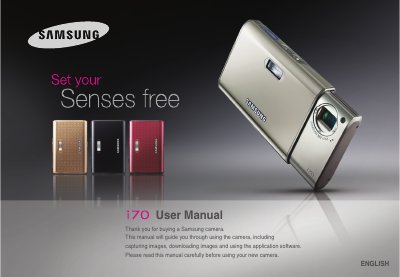
This manual guides users through setting up the Samsung i70 camera, including driver installation, battery charging, and connecting to a PC via USB. It also covers basic operation such as taking pictures, using various shooting modes, and playback functions.
Safety warnings, battery specifications, memory‑card handling, and troubleshooting tips are included, along with contact information for service centers and disposal instructions.
| Battery model | SLB-0837 |
|---|---|
| Battery type | Lithium Ion |
| Battery capacity | 860 mAh |
| Battery voltage | 3.7 V |
| Charging time (camera off) | ≈150 minutes |
| AC adapter model | SAC-45 |
| USB cable model | SUC-C2 |
Do not use the flash close to people or animals, and avoid pointing it at eyes to prevent eyesight damage.