
Key facts
- Brand
- Samsung
- Model
- 788DF
- Documents
- 2
- Languages
- ZH · EN
- Last added
- 2012-03-22
Start here
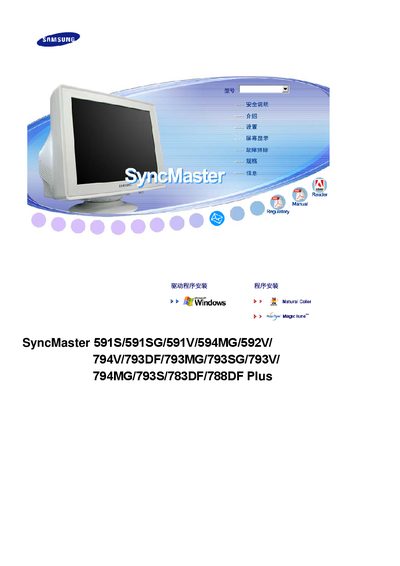
samsung SyncMaster 591S/591SG/591V/594MG/592V/ 794V/793DF/793MG/793SG/793V/ 794MG/793S/783DF/788DF Plus Manual
This manual provides the necessary information to install and operate Samsung SyncMaster 591 series monitors. It includes safety guidelines, mounting instructions, and power‑management features.
The document also lists technical specifications such as VESA mounting compatibility, DPMS power‑saving support, and ENERGY STAR certification, helping users configure the monitor for optimal performance.
Samsung 788DF specifications
| VESA mount compatibility | Yes |
|---|---|
| DPMS power management | Supported |
| ENERGY STAR certification | Certified |
| Release year | 2007 |
All Samsung 788DF documents by type
Day-to-day operation, settings and troubleshooting. Start here if the product is already set up.
Questions answered in these manuals
What safety precautions should be taken when installing the monitor?
Do not place the monitor near flammable chemicals, ensure it is mounted on a stable, flat surface, keep liquids away, and avoid exposing it to extreme temperatures.
How should the monitor be cleaned?
Use a mild detergent diluted 1:10 with water and a soft cloth; avoid harsh chemicals, alcohol, or abrasive cleaners.
What mounting standard does the SyncMaster 591 support?
The monitor supports VESA mounting.
Is the SyncMaster 591 series ENERGY STAR certified?
Yes, it is ENERGY STAR certified.