
This document introduces the installation, use, cleaning and other precautions of the monitor, including installation environment, plugging and unplugging power, placement, and cleaning methods.
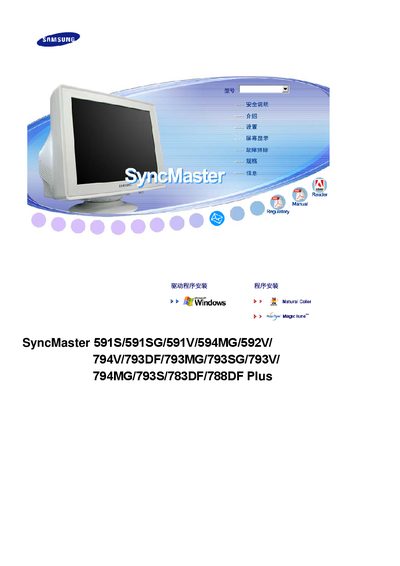
This manual provides the necessary information to install and operate Samsung SyncMaster 591 series monitors. It includes safety guidelines, mounting instructions, and power‑management features.
The document also lists technical specifications such as VESA mounting compatibility, DPMS power‑saving support, and ENERGY STAR certification, helping users configure the monitor for optimal performance.
| VESA mount compatibility | Yes |
|---|---|
| DPMS power management | Supported |
| ENERGY STAR certification | Certified |
| Release year | 2007 |
The monitor supports VESA mounting.
Yes, it is ENERGY STAR certified.
Yes, DPMS power management is supported.