
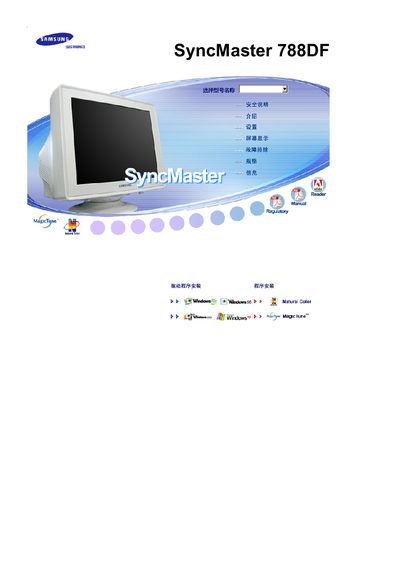
This document is the user manual of Samsung SyncMaster 788DF, which mainly introduces the product's features, functions, usage methods and precautions
The manual begins with extensive safety precautions, warning users to avoid placing the monitor near flammable materials, to ensure a stable and level mounting surface, and to keep liquids and chemicals away from the unit. It also advises on proper handling to prevent fire hazards and personal injury.
Installation instructions cover positioning the monitor, connecting power and video cables, and adjusting settings such as brightness and image geometry. Cleaning guidelines recommend using a mild diluted detergent (1:10) with a soft cloth and avoiding harsh chemicals, while warranty and compliance information is provided at the end of the document. This manual is written in Chinese.
| Resolution | 1024 x 768 |
|---|
Do not place the monitor near flammable chemicals, ensure it is mounted on a stable, flat surface, keep liquids away, and avoid exposing it to extreme temperatures.
Use a mild detergent diluted 1:10 with water and a soft cloth; avoid harsh chemicals, alcohol, or abrasive cleaners.