
Samsung Electronics repair manual, providing safety precautions, product specifications, disassembly and reassembly, adjustments and adjustments, troubleshooting, disassembly diagrams and parts lists, electrical parts lists, block diagrams, wiring diagrams, printed circuit board layouts, schematics, and panel descriptions
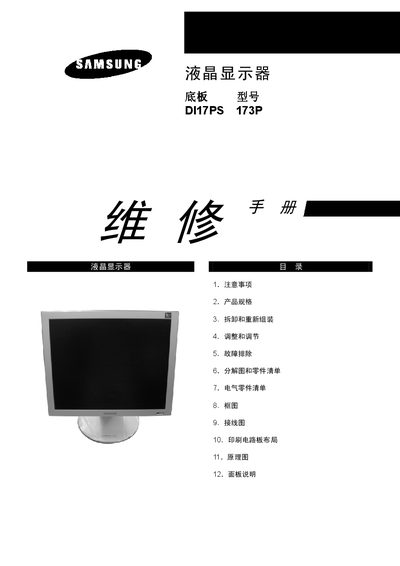
The manual begins with safety and ESD precautions, including power‑off procedures and handling of sensitive components. It then lists the product specifications such as screen size, resolution, power consumption and environmental limits.
Subsequent sections cover disassembly and re‑assembly, cleaning of parts, connector wiring, pin configuration, timing parameters, and detailed schematic diagrams for service technicians. This manual is written in Japanese.
| Pixel pitch | 0.264 mm |
|---|---|
| Maximum resolution | 1280 × 1024 |
| Refresh rate | 56 Hz‑75 Hz |
| AC input voltage | 100‑240 VAC, 50/60 Hz |
| Operating temperature | 50 °F‑104 °F (10 °C‑40 °C) |
| Operating humidity | 10 %‑80 % |
| Storage temperature | -25 °C‑45 °C (13 °F‑113 °F) |
| Storage humidity | 5 %‑95 % |
| Dimensions (W × H × D) | 15.0 × 1.6 × 12.3 inches |
| Maximum pixel clock | 135 MHz |
Disconnect the AC power source, observe ESD precautions, and avoid modifying the circuit board before service.
The monitor operates from an AC input of 100‑240 VAC at 50/60 Hz and consumes up to 40 W.
The panel supports a maximum resolution of 1280 × 1024 pixels.
Operating temperature is 50 °F‑104 °F (10 °C‑40 °C) with humidity between 10 % and 80 %.