
SyncMaster 173P plus/193P plus user manual provides information on product usage, safety precautions, installation, cleaning, etc.
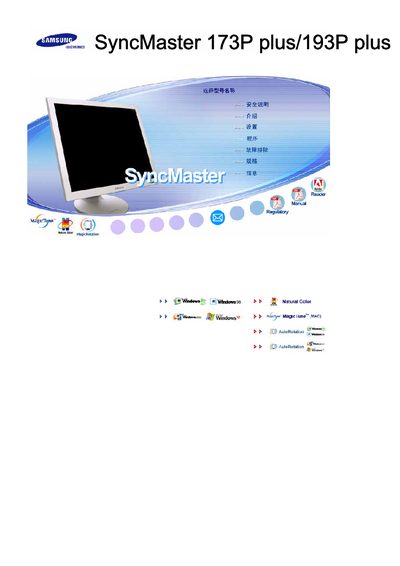
This manual provides step‑by‑step instructions for installing and configuring the Samsung SyncMaster 173P Plus and 193P Plus LCD displays. It includes information on connecting the monitor to Windows systems, using built‑in features such as MagicTune™ and AutoRotation, and adjusting display settings.
Additional sections cover routine operation, menu navigation, and troubleshooting tips to help users resolve common issues and maintain optimal picture quality.