
Philips PhotoFrame SPF1017 SPF1027 User Manual

Philips PhotoFrame SPF1017 and SPF1027 user manual provides installation, operation, and safety instructions for the digital photo frame.
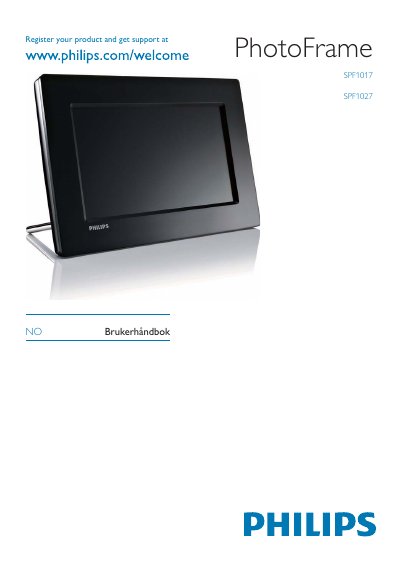

Philips PhotoFrame SPF1017 SPF1027 User Manual - cover page
Brand
Philips
Category
Home Speakers
Document type
User Manual
Language
NO
Pages
29
File format
PDF
File size
1.3 MB
Published
26 November, 2026
Updated
26 November, 2026
MD5 checksum
04D5661A46CE938F9D54DA8C680FF28D

About this manual

The Philips PhotoFrame SPF1017 and SPF1027 user manual details product registration, installation, and basic operation for the digital photo frame.

The manual covers setup procedures, including installing the stand, connecting power, linking storage devices, and transferring images from a PC or Mac. It also explains display modes, image management, clock settings, and safety precautions for indoor use.

What's inside

  • Register your product
  • Important safety information
  • Product overview
  • Getting started
  • Installing the stand
  • Connecting to power
  • Turning on the PhotoFrame
  • Connecting to storage
  • Connecting to PC/Mac
  • Image display modes

Specifications

Product typeDigital photo frame

Frequently asked questions

How do I register my product?

Register your product at www.philips.com/welcome to access support and materials.

What should I do before cleaning the screen?

Turn off the PhotoFrame and unplug it from the power source before cleaning.

Download PDF (1.3 MB)

More Philips Manuals


View all Philips manuals →