
MCD759 DVD Micro Theatre is a 5.1-channel digital amplifier that can create the dynamic sound quality that can only be experienced in the theater; and it integrates some of the best features of home theater.
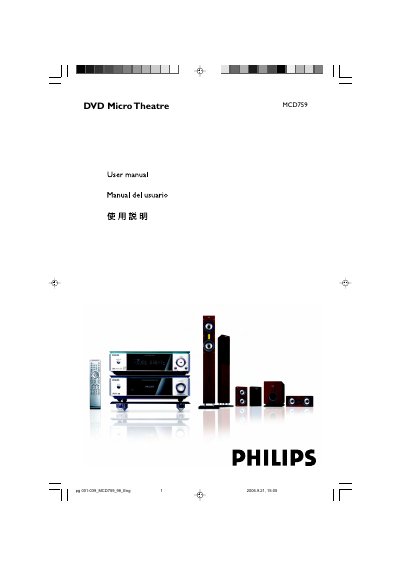
This manual covers the complete setup of the Philips MCD759 DVD Micro Theatre, including placement, speaker wiring, power connections, and optional accessories. It also explains the system’s features such as 5.1‑channel digital amplification, DTS and Dolby Digital decoding, and night‑mode.
Operational guidance includes remote‑control usage, language and subtitle settings, playback controls for various disc formats, and detailed troubleshooting steps for common issues like no sound, picture problems, and remote‑control failures. This manual is written in Chinese.
| Audio channels | 5.1‑channel digital amplifier |
|---|---|
| Audio decoding | Supports DTS and Dolby Digital |
Use a Component Video (Y Pb Pr) cable to connect to a TV that supports progressive scan; a progressive‑scan TV is required for the feature.
Connect the speakers using the color‑coded DIN cables as shown in the manual, matching each speaker to its corresponding amplifier output, and ensure the subwoofer’s power switch is turned on after all connections are complete.