
This document introduces the installation and usage methods of a Philips car navigation device, including connecting wires, installation steps, power on settings, date and time settings, map usage, listening to radio, playing CDs, connecting USB devices, inserting SD/MMC cards, and making phone calls.
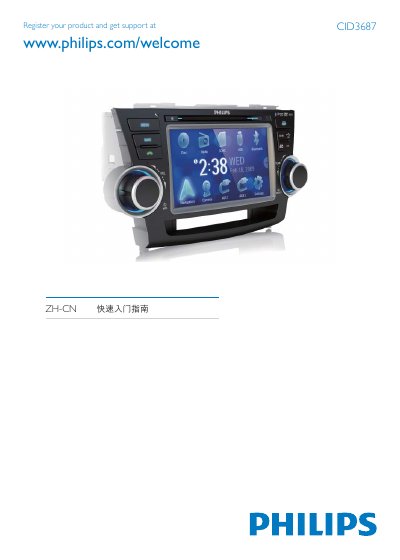
The guide explains the installation steps for the CID3687, including checking and connecting the vehicle wiring, securing the mounting brackets, and sliding the unit into the dashboard. After reconnecting the battery, the device can be powered on by holding the /MUTE/VOL button.
It then details basic operation such as setting date and time, using the built‑in navigation map, listening to FM/AM radio, playing DVDs, CDs, USB or SD media, and making Bluetooth phone calls by pairing the phone with the unit (default PIN 0000). This manual is written in Chinese.
| Supported media formats | DVD Video, DVD‑R, DVD‑RW, VCD, Audio CD, CD‑R, CD‑RW |
|---|---|
| Bluetooth pairing PIN | 0000 |
Press and hold the /MUTE/VOL button to power on the unit.
Enable Bluetooth on the phone, search for devices, select "CID3687" from the list, and enter the default PIN 0000.